Create an API key
API keys let scripts, integrations, and the not24get CLI authenticate to the public API on your behalf. Each key is tied to a workspace.
Steps
Open Workspace settings → API keys
From the workspace switcher, choose Workspace settings → API keys tab.
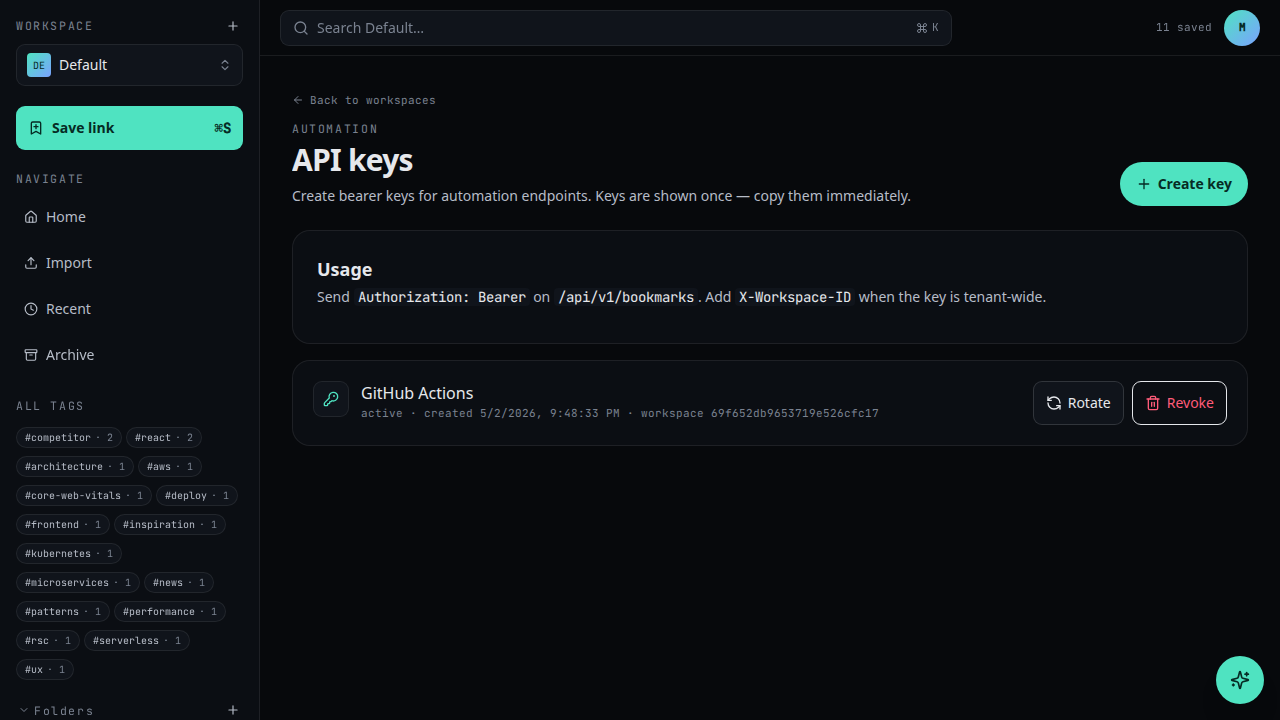
Click New API key
Use the New API key button.Name and scope the key
Give the key a recognisable name (e.g. "GitHub Actions"). Optionally set a default folder it can write to.
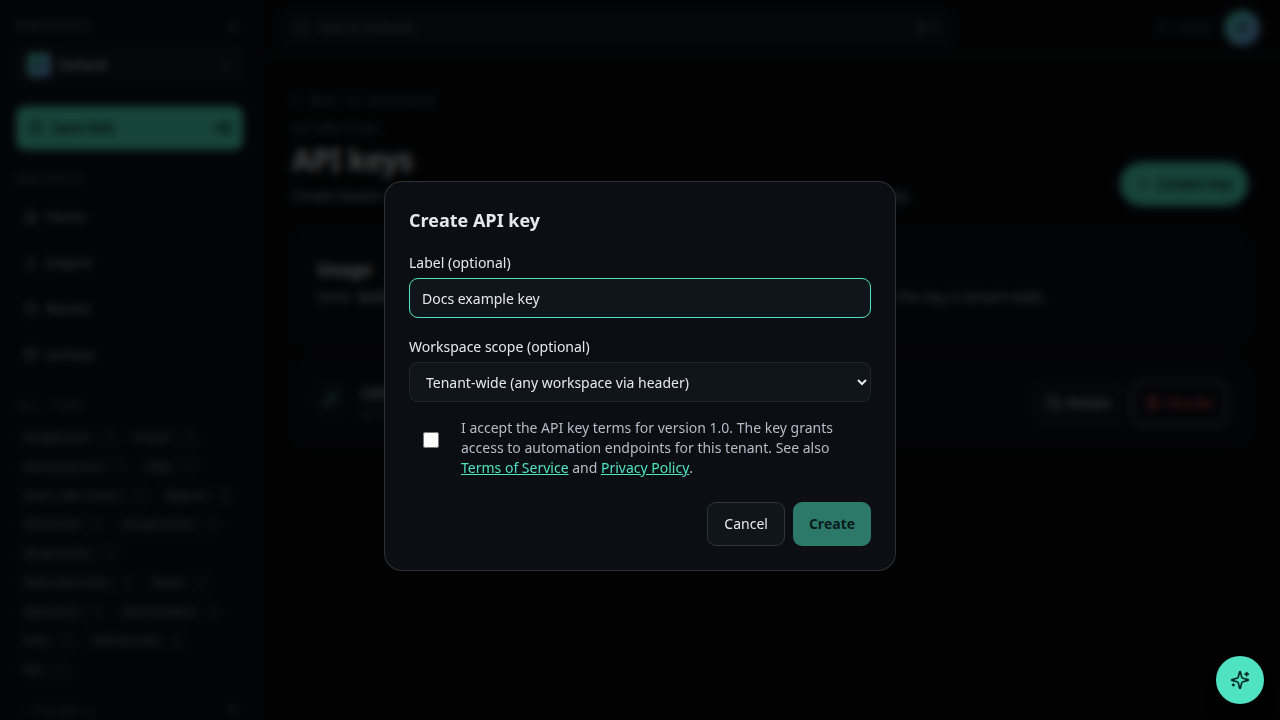
Create and copy the key
Click Create. The full key is shown only once — copy it immediately and store it in your secrets manager.
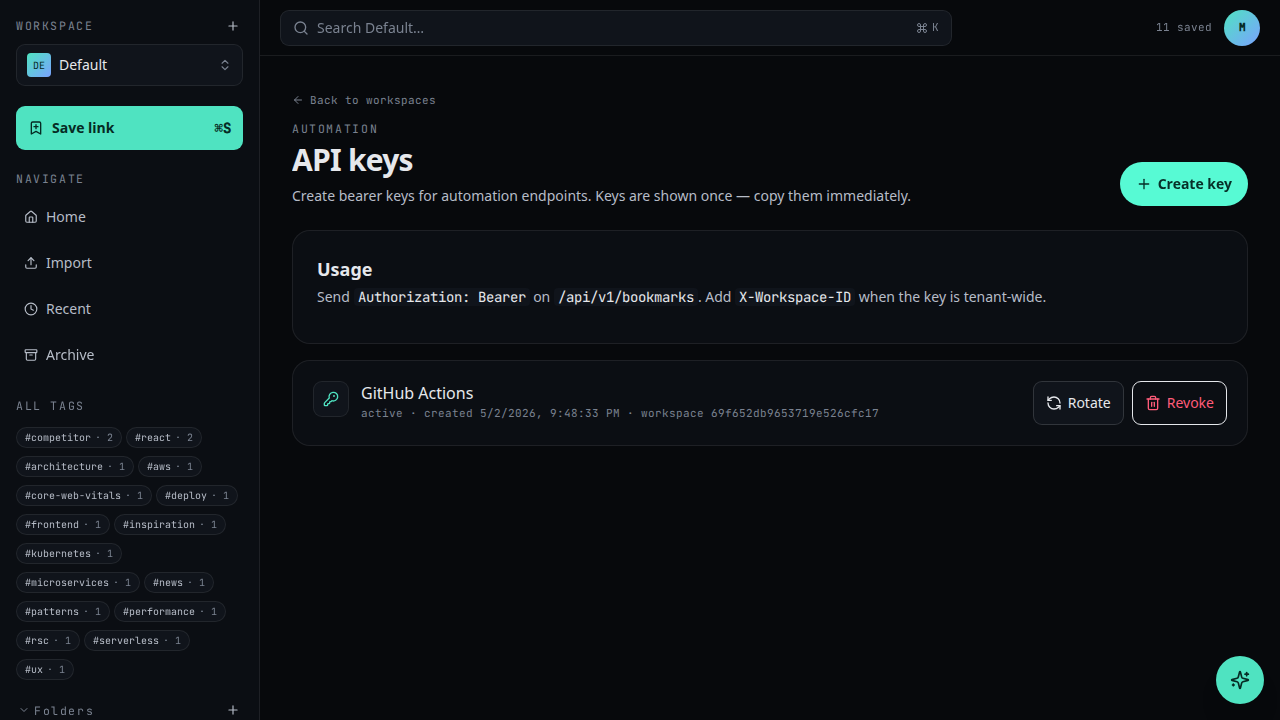
The plaintext key is shown once. After you close this dialog, only the prefix is displayed in the list.
What's next
- Use an API key to make your first request
- See Developer / Authentication for headers and request shape