Share a folder in read-only mode
Folders are shared only through a share link: a unique URL you copy and send. Recipients can view the folder, its bookmarks, and notes — they cannot add, edit, move, or delete anything. You can revoke the link later so it stops working.
Steps
Open the folder's Share dialog
Right-click the folder in the sidebar (or open it and click Share in the toolbar) and choose Share folder.
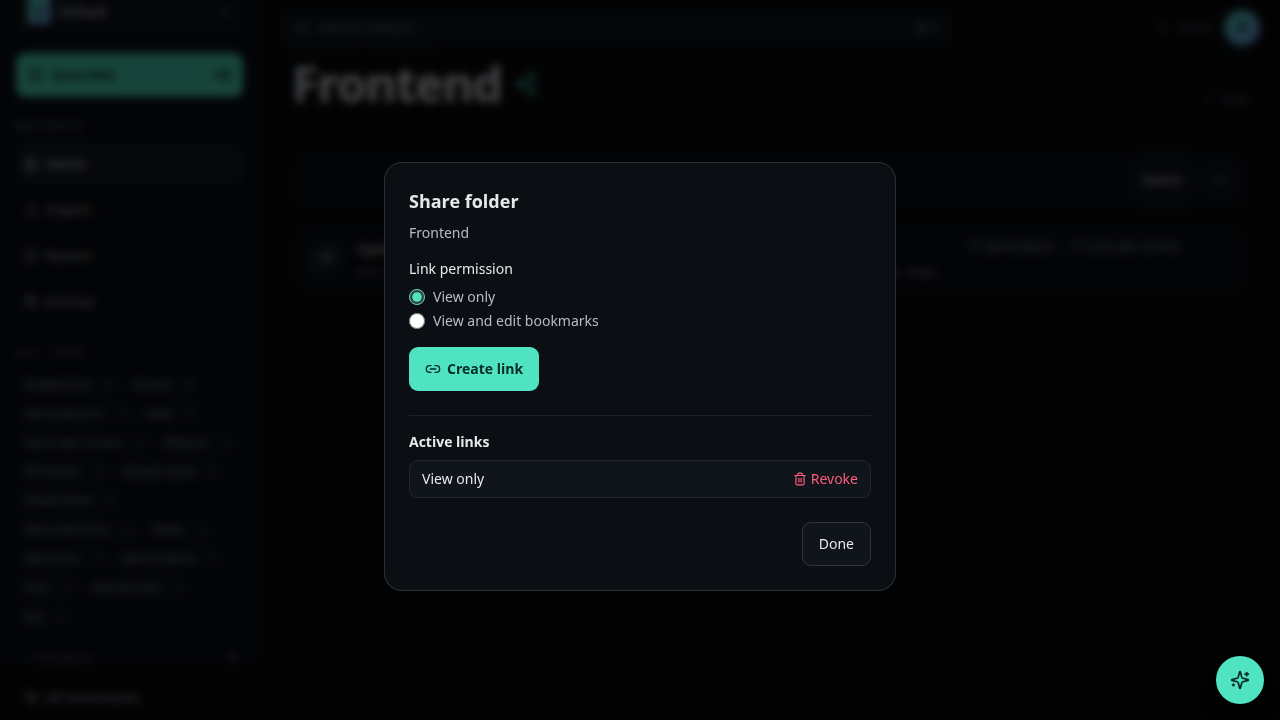
Set the permission to Read
In the Permission dropdown, select Read.
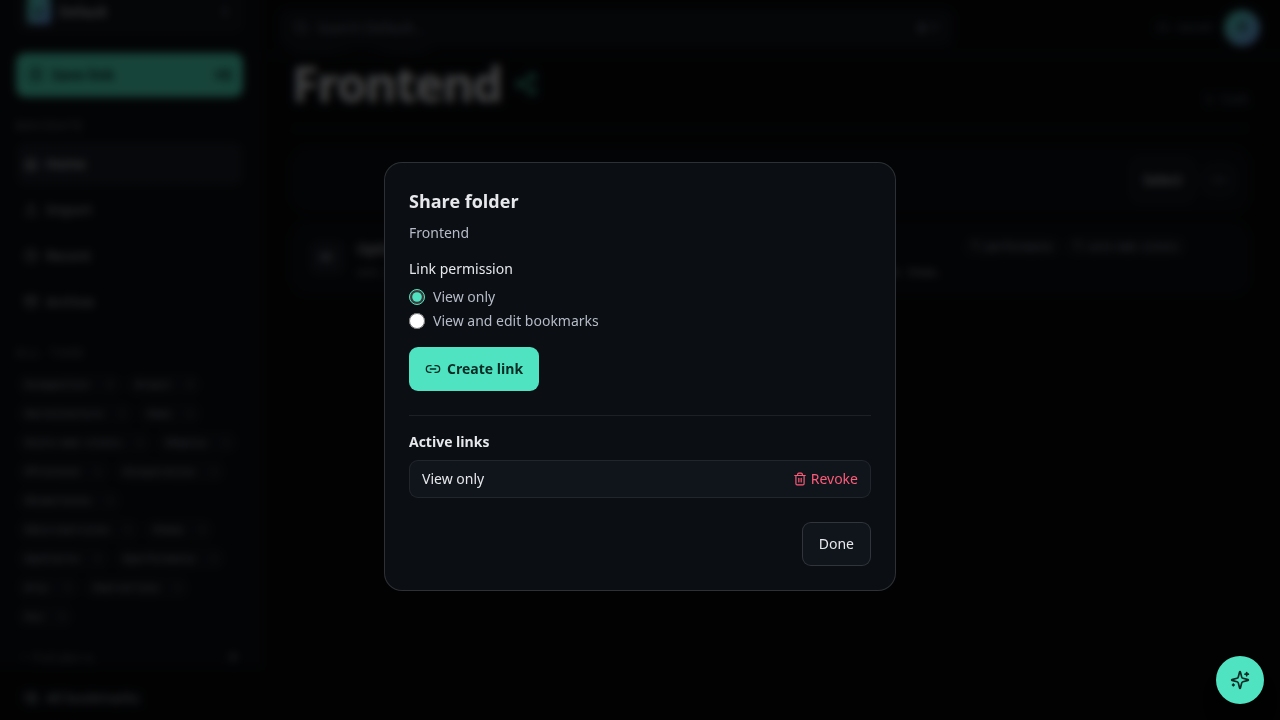
Copy the share link
Use Copy share link. Anyone with that URL can open the folder read-only until you revoke it. There is no separate “invite by email” path for folder sharing — access is always via this link.
Save
Click Save if the dialog requires it, then send the copied URL to the people who should have access.
Revoke access
Reopen the Share dialog and click Revoke link.