Create a folder
Folders are how you organise bookmarks within a workspace. They can be nested, renamed, moved between workspaces, and shared with other members.
Steps
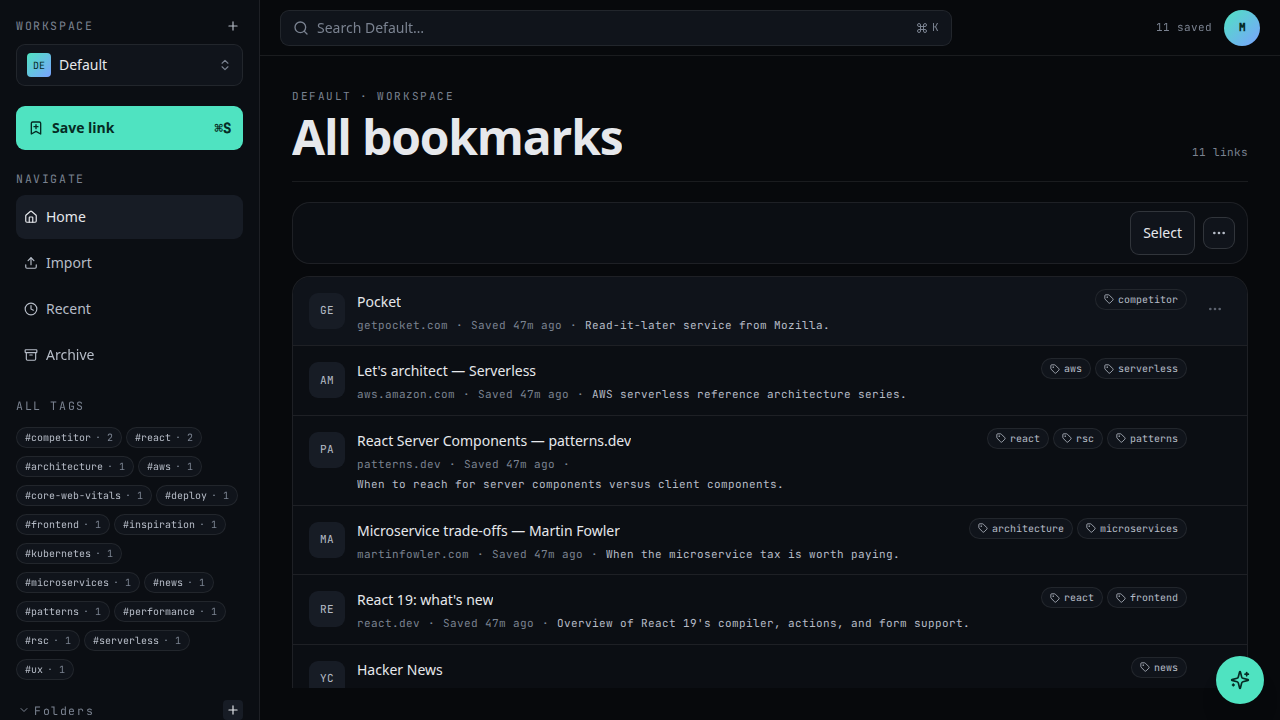
Open the New menu
Click New in the workspace toolbar and choose Folder.
Name the folder
Give it a clear name. Names are unique per parent folder; pick one you'll recognise later.
Create
Click Create. The folder appears in the sidebar.
What's next
- Rename a folder when the name no longer fits
- Save a bookmark directly into this folder
- Share the folder in read-only mode
- Share with read and write access