Getting started
This guide walks you from a new account to a usable setup in under five minutes.
Concepts at a glance
- Workspace — your private container. Everything you save lives inside a workspace.
- Folder — a way to organise bookmarks within a workspace. Folders can be shared with other members.
- Bookmark — a saved link with optional notes and tags.
- API key — a token that lets external tools act on your behalf.
Steps
Create your account
Go to not24get.me and sign up. You will receive a verification email — open it and confirm your address.
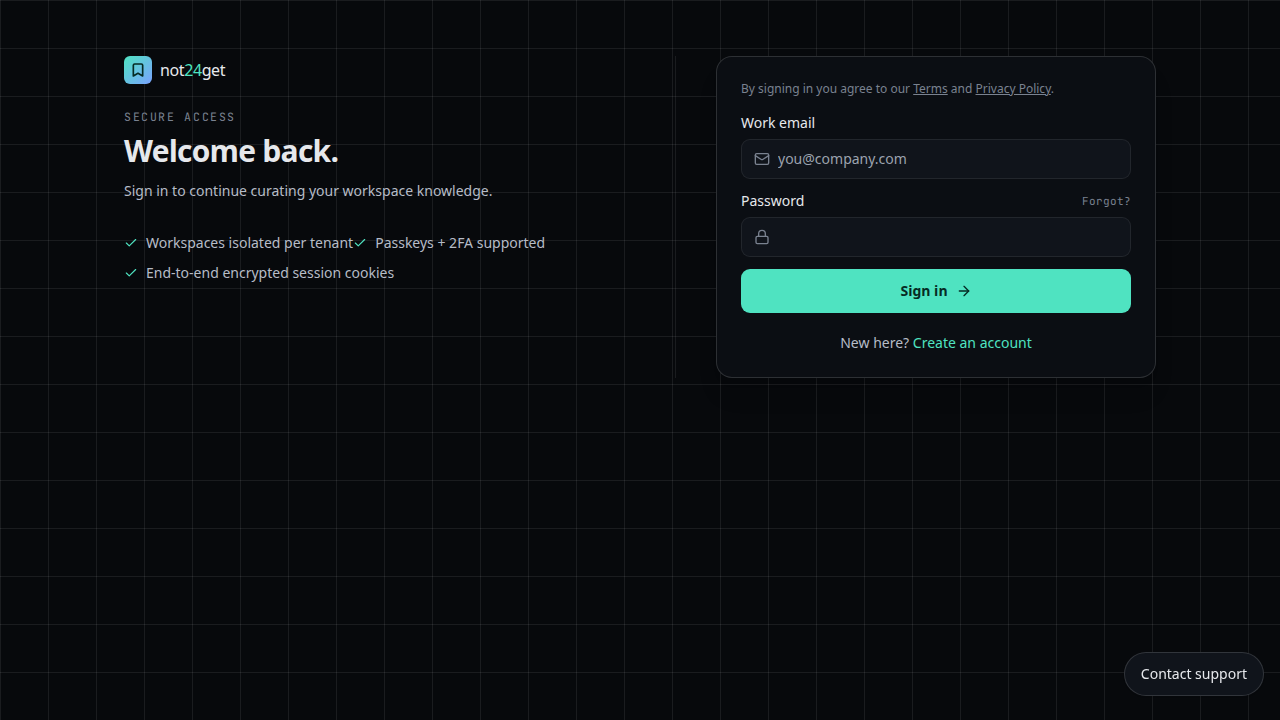
Sign in
After verification, sign in with the email and password you set.
Create your first workspace
See Create a workspace for the full guide. By default, a personal workspace is created for you.
Save your first bookmark
Follow Save a bookmark to capture your first link.
What's next
- Create a folder and start organising.
- Invite members if you want to collaborate.