Create a workspace
A workspace is the private container that holds your bookmarks, folders, and members. You can have many — one for personal browsing, one per project, one for your team.
Steps
Open the workspace switcher
Click your workspace name in the top-left corner of the app.
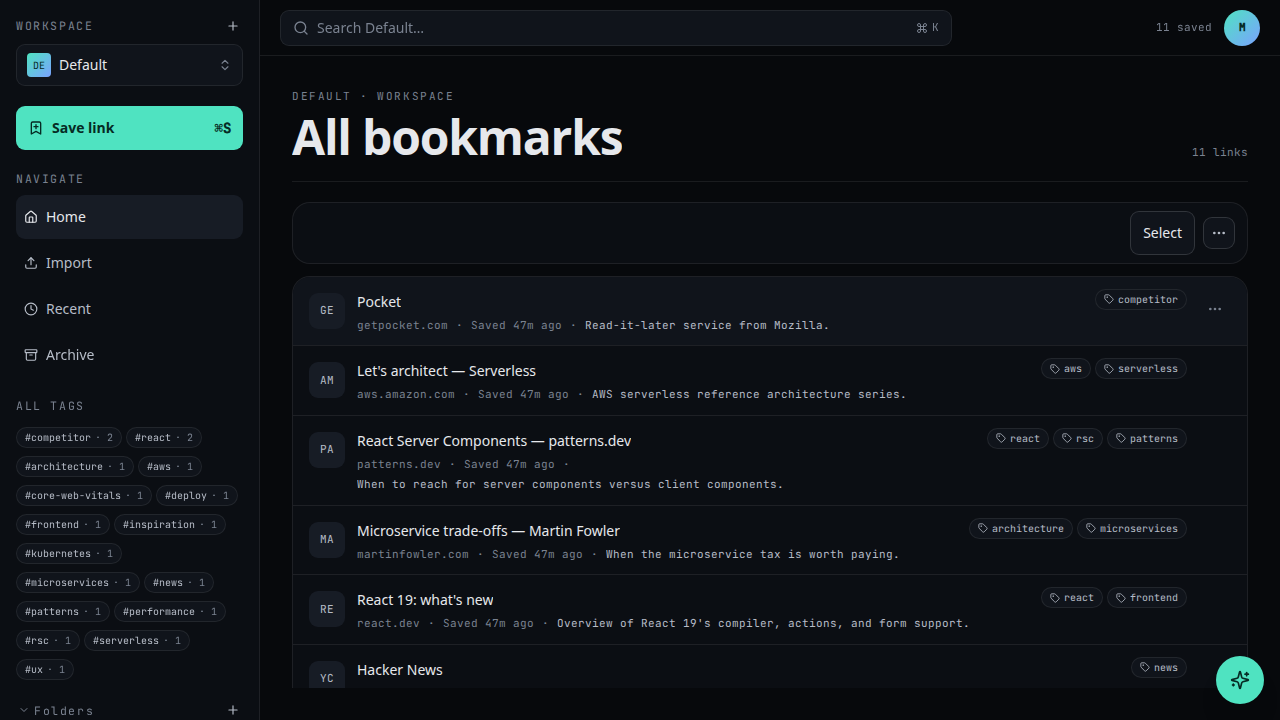
Choose New workspace
At the bottom of the switcher, click + New workspace.
Name your workspace
Give it a short, recognisable name. You can change it later in Workspace settings.
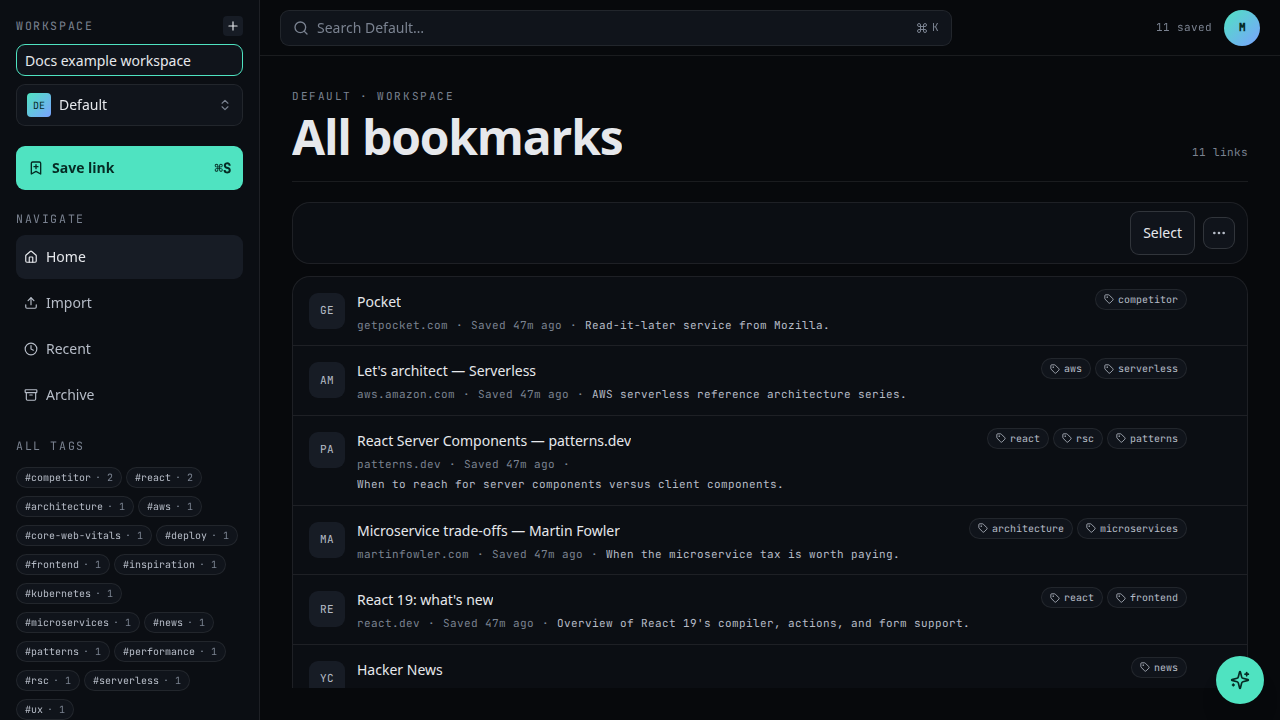
Create
Click Create. You're switched into the new workspace immediately.
What's next
- Create a folder inside the new workspace
- Invite members